
Bookings
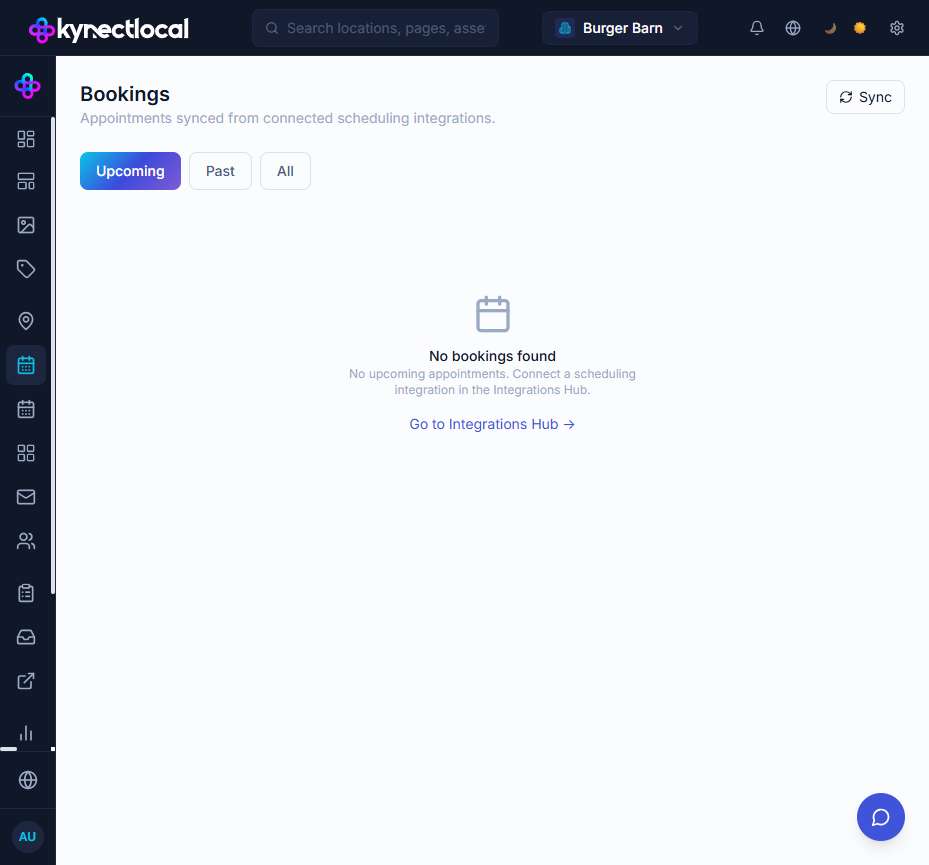
The Bookings page shows all appointments synced from connected scheduling integrations — starting with Calendly, with more scheduling platforms (Acuity, MyTime, Mindbody, etc.) available as they are connected.
When you’d use this
Section titled “When you’d use this”- Seeing all upcoming appointments across every location in one place
- Reviewing a location’s past bookings history
- Checking when the last sync ran and whether new bookings have come in
- Scoping bookings to a specific location (brand admins)
Opening the page
Section titled “Opening the page”Go to Operate → Bookings in the left sidebar. The item only appears when at least one scheduling integration (e.g. Calendly) is connected.
The bookings table
Section titled “The bookings table”The table shows one row per appointment with the following columns:
| Column | Description |
|---|---|
| Customer | Invitee name and email |
| Service | Event type name from the scheduling platform |
| Date / Time | Appointment start time (your local timezone) |
| Duration | Length of the appointment |
| Status | Upcoming or Past |
| Staff | Host or team member assigned in the scheduling platform |
Filtering
Section titled “Filtering”Use the Upcoming / Past / All tabs at the top of the table to scope by appointment status.
Date range
Section titled “Date range”Click the Date filter to narrow results to a specific window. Combined with the Past tab this is useful for reviewing a historical period.
Location (brand admins only)
Section titled “Location (brand admins only)”Brand admins see a Location dropdown. Select a location to show only appointments assigned to that location.
Sync behaviour
Section titled “Sync behaviour”KynectLocal syncs bookings automatically when you open the Bookings page, subject to a 5-minute cache per integration. This prevents redundant API calls if you navigate away and back quickly.
The Last synced timestamp at the top right of the page shows when the most recent sync completed.
To force a fresh sync, wait until the 5-minute window expires and reload the page.
Empty states
Section titled “Empty states”| Situation | What you see |
|---|---|
| No scheduling integration connected | Prompt to connect Calendly or another scheduling platform |
| Integration connected but no events yet | ”No bookings found” with a note that the first sync may still be running |
| Filters applied with no results | ”No bookings match your filters” with a reset option |
Related
Section titled “Related”- Calendly — connect Calendly and configure per-location scheduling URLs
- Integrations — overview of all available integrations
- Digital Impact — revenue and lead attribution for location performance