
Editing Your Site
For Locations
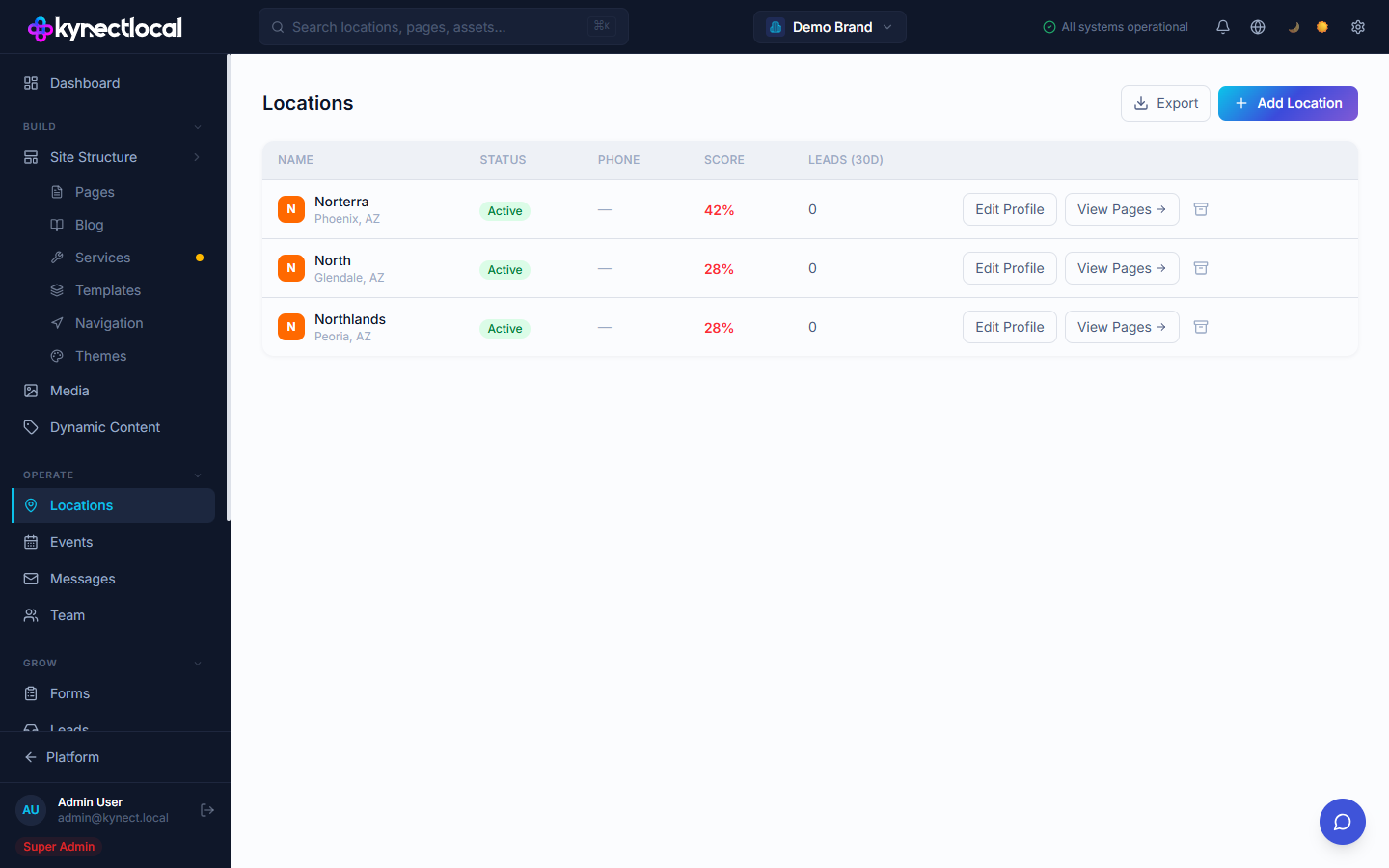
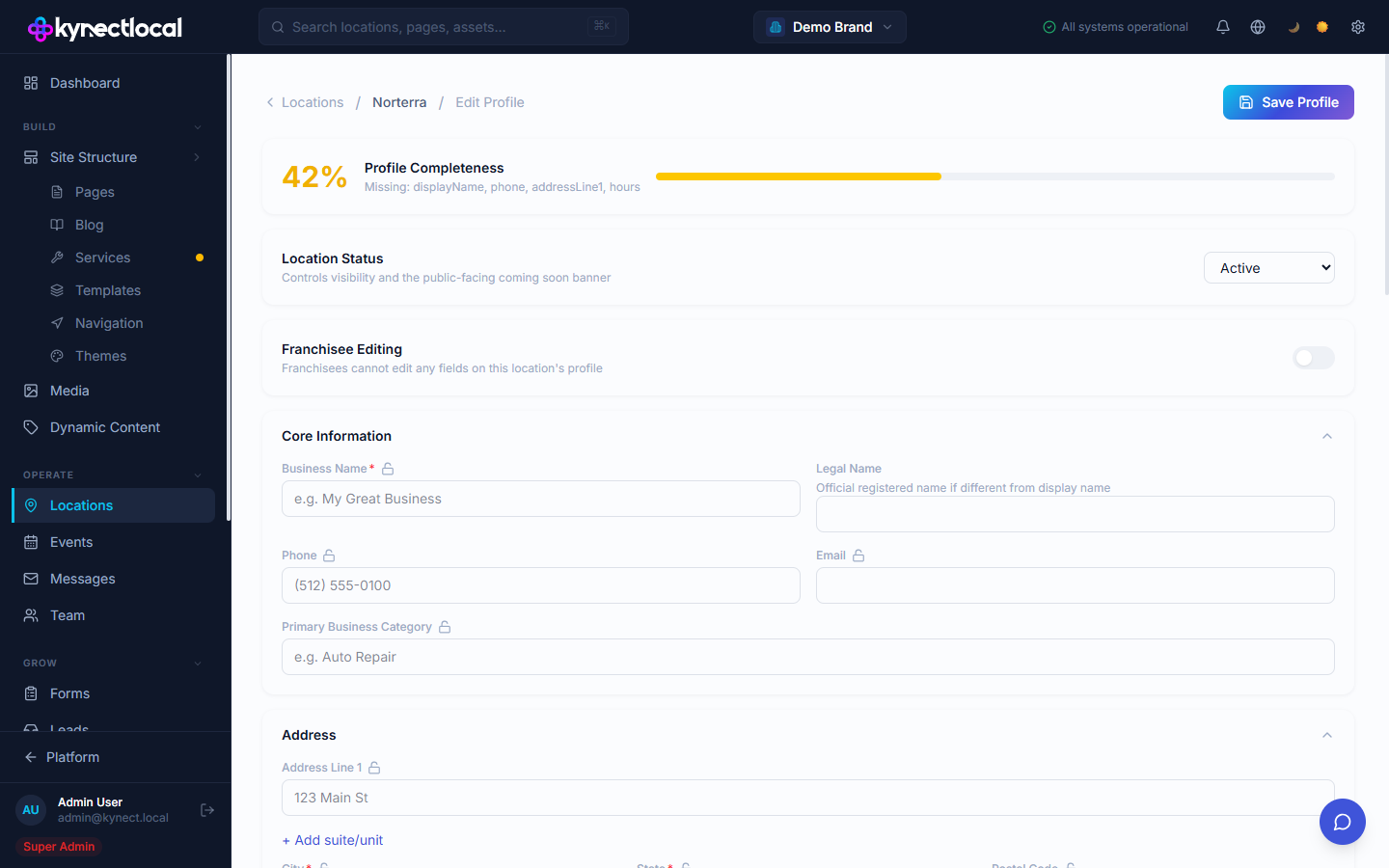
As a franchisee, you can update the content your brand admin has designated as editable — your local page content and your business profile.
When you’d use this
Section titled “When you’d use this”- Adding your location’s hours, phone number, or address
- Filling in a locally unique section on your home page
What you can and cannot edit
Section titled “What you can and cannot edit”Your brand admin controls the overall design and layout of your pages. Not everything is open for you to change.
| You can edit | You cannot edit |
|---|---|
| Editable zones on your location pages | Locked zones set by your brand admin |
| Your business profile (name, address, phone, hours, services) | Page layout, block order, and design |
| Form notification email addresses | Form structure and field definitions |
| Notification settings | Brand-wide settings and other locations |
Editing your page content
Section titled “Editing your page content”Editable zones are sections your brand admin has opened up for local content. You fill them in using the content zone editor — a simple form-based interface, not a drag-and-drop canvas.
- Log in and go to your location dashboard.
- Click Edit Page next to the page you want to update.
- The content zone editor opens. Each editable zone appears as a labeled form section.
- Fill in or update the fields — text, images, links, or whatever the zone contains.
- Click Save to save your changes as a draft.
- Click Publish to make your changes live.
Updating your business profile
Section titled “Updating your business profile”Your business profile stores the structured data for your location — name, address, phone, hours, services, and social links. This data can appear on your pages via tokens and may be distributed to external directories.
- Go to your location dashboard and click Business Profile.
- Update the fields you need to change.
- Click Save.
Related
Section titled “Related”- Logging In — getting back to your dashboard
- Managing Forms — update where form submissions are sent