
Events
Events lets you create dated happenings — promotions, grand openings, community events, training days — and publish them to location sites across your network. Each event can be scoped to a single location or made brand-wide.
When you’d use this
Section titled “When you’d use this”- Announcing a grand opening event at a specific location
- Creating a brand-wide promotion that appears on all location sites
- Surfacing upcoming events in an Events block on location pages
The events list
Section titled “The events list”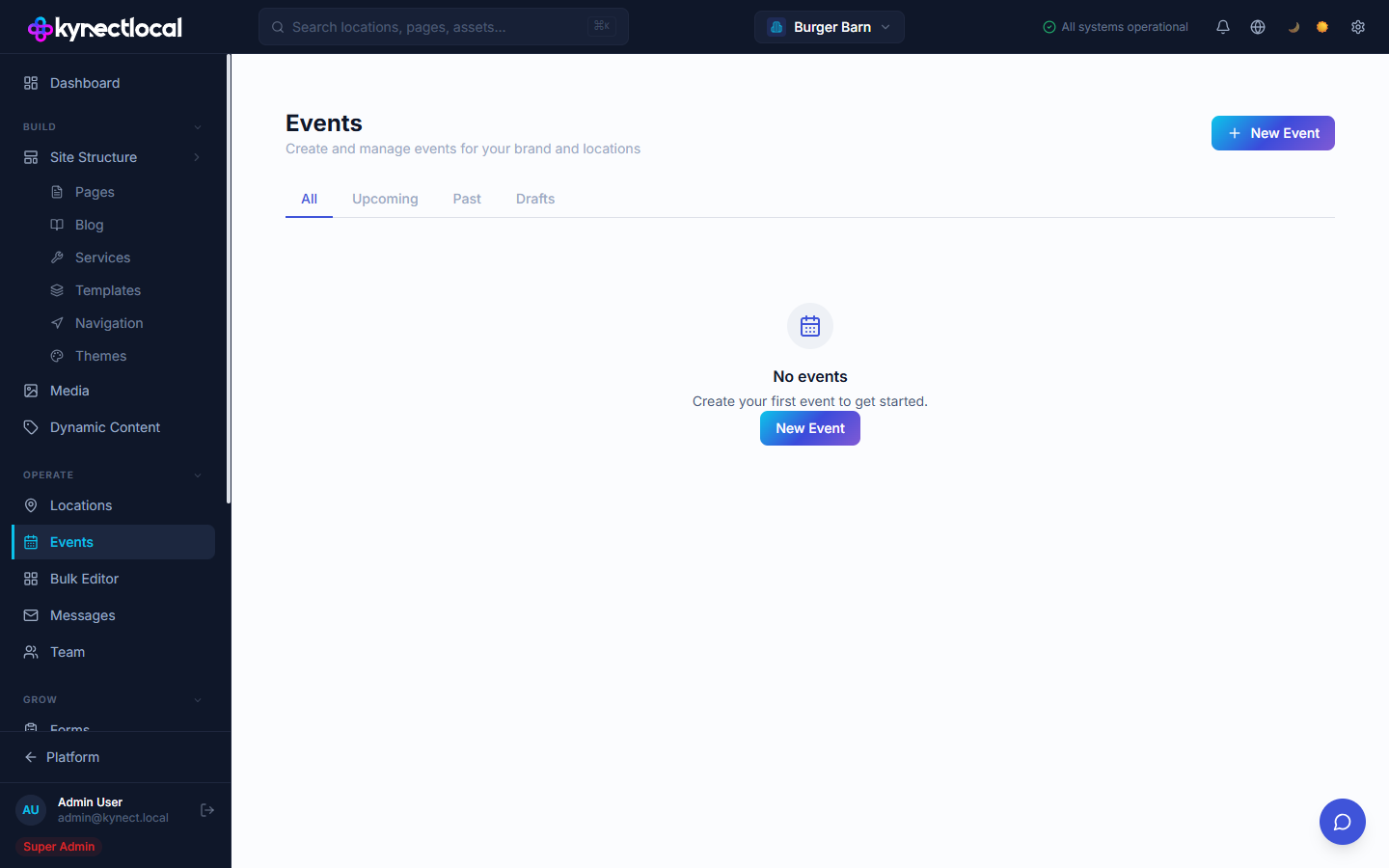
Go to Operate → Events to manage events.
Use the filter tabs to view events by status:
| Tab | What it shows |
|---|---|
| All | Every event |
| Upcoming | Published events with a start date in the future |
| Past | Events whose end date has passed |
| Drafts | Saved but unpublished events |
Creating an event
Section titled “Creating an event”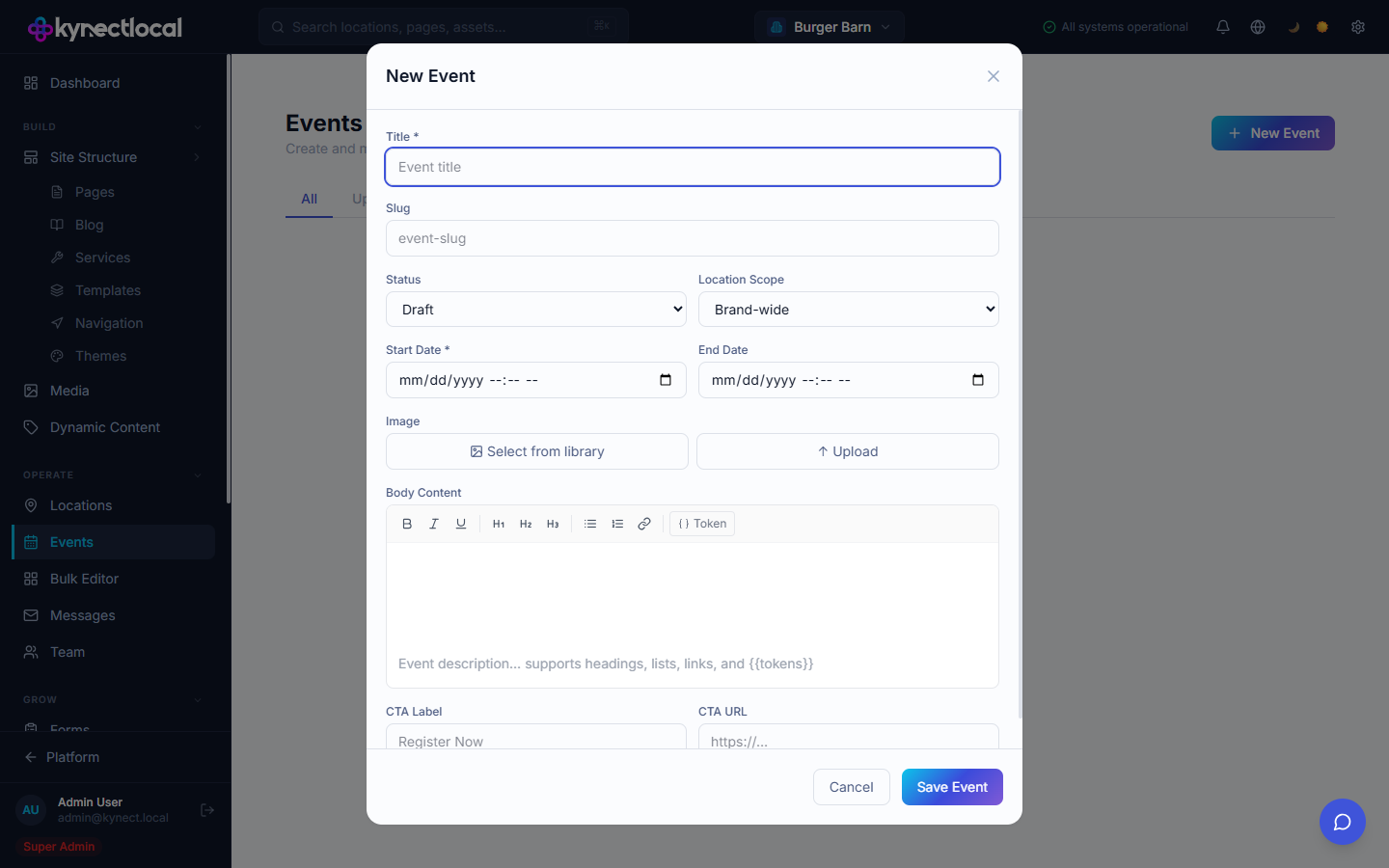
Click + New Event to open the event form. Fill in the following fields:
| Field | Description |
|---|---|
| Title | The event name shown on the site. Required. |
| Slug | The URL path for the event page (auto-generated from title). |
| Status | Draft (saved, not visible on site) or Published (live). |
| Location Scope | Brand-wide to show on all location sites, or select a specific location. |
| Start Date | The date and time the event begins. Required. |
| End Date | The date and time the event ends. Optional. |
| Image | A featured image for the event. Select from the media library or upload. |
| Body Content | A rich text description. Supports headings, lists, links, and {{tokens}}. |
| CTA Label | Button label (e.g. “Register Now”). |
| CTA URL | The link the CTA button opens. |
Click Save Event to create the event. If Status is Published, the event becomes live immediately.
Displaying events on location pages
Section titled “Displaying events on location pages”Events published with Brand-wide scope or with a scope matching the location appear in the Events block in the Puck editor. Add an Events block to any page or template to show a list of upcoming events for that location.
SEO Settings
Section titled “SEO Settings”Each event has optional SEO settings available in the event create/edit form:
| Field | Description |
|---|---|
| SEO Title | Custom <title> tag for the event page. Leave blank to use the event title. |
| Meta Description | Description shown in search results. Maximum 160 characters. |
| Noindex | Toggle on to prevent this event from appearing in search results. Useful for internal or private events. |
Related
Section titled “Related”- Pages & Content (Puck) — add an Events block to a page to display upcoming events
- Dynamic Content — use tokens in event body content
- Media — event featured images come from the media library